Go from zero to your first successful gift card order in under 10 minutes. This guide walks through authentication, browsing the catalog, and placing an order.
https://api.giftronaut.com for both Sandbox and Production —
the environment is determined by the credentials (Client ID / Secret) you use.
Sandbox orders do not charge your balance and gift cards cannot be redeemed outside of testing.
You will need:
curl installed, or any HTTP client of your choice
Sign in to the Apps section of the developer portal and click
New app. Set the environment to Sandbox and select the
scopes your integration needs (at minimum orders.write and
catalog.read).
After creating the app, copy your Client ID and Client Secret. The client secret is shown only once — store it securely.
The Giftronaut API uses OAuth 2.0 Client Credentials flow. Exchange your client credentials for a short-lived Bearer token:
curl -X POST "https://api.giftronaut.com/oauth2/token" \
  -H "Content-Type: application/x-www-form-urlencoded" \
  -d "grant_type=client_credentials" \
  -d "client_id=YOUR_CLIENT_ID" \
  -d "client_secret=YOUR_CLIENT_SECRET" \
  -d "scope=orders.read orders.write catalog.read"
Successful response:
{
  "access_token": "eyJhbGciOiJSUzI1NiIsInR5cCI6IkpXVCJ9...",
  "token_type": "Bearer",
  "expires_in": 86400,
  "scope": "orders.read orders.write catalog.read"
}
Save the access_token — you'll pass it as
Authorization: Bearer <token> in every subsequent request.
Sandbox tokens are valid for 24 hours; production tokens expire after
1 hour.
X-RateLimit-Limit, X-RateLimit-Remaining, and
X-RateLimit-Reset headers. Exceeding the limit returns
429 Too Many Requests.
Before placing an order, find a product ID from the catalog.
Use GET /api/v1/catalog/branded-cards to list available gift card brands:
curl "https://api.giftronaut.com/api/v1/catalog/branded-cards" \
  -H "Authorization: Bearer YOUR_ACCESS_TOKEN"
The response lists cards with their productId, available denominations, and currency:
{
  "data": [
    {
      "productId": "GC-AMAZON-USD",
      "brandName": "Amazon",
      "currencyCode": "USD",
      "faceValueType": "FIXED",
      "denominations": [10, 25, 50, 100]
    },
    {
      "productId": "GC-STARBUCKS-USD",
      "brandName": "Starbucks",
      "currencyCode": "USD",
      "faceValueType": "RANGE",
      "minAmount": 5,
      "maxAmount": 500
    }
  ],
  "page": 1,
  "pageSize": 20,
  "totalCount": 128
}
List endpoints are paginated. Pass page and pageSize query
parameters to page through results; pageSize accepts a maximum of
100 (larger values are silently clamped to the default page size).
Note the productId for the card you want to send — you'll use it in the next step.
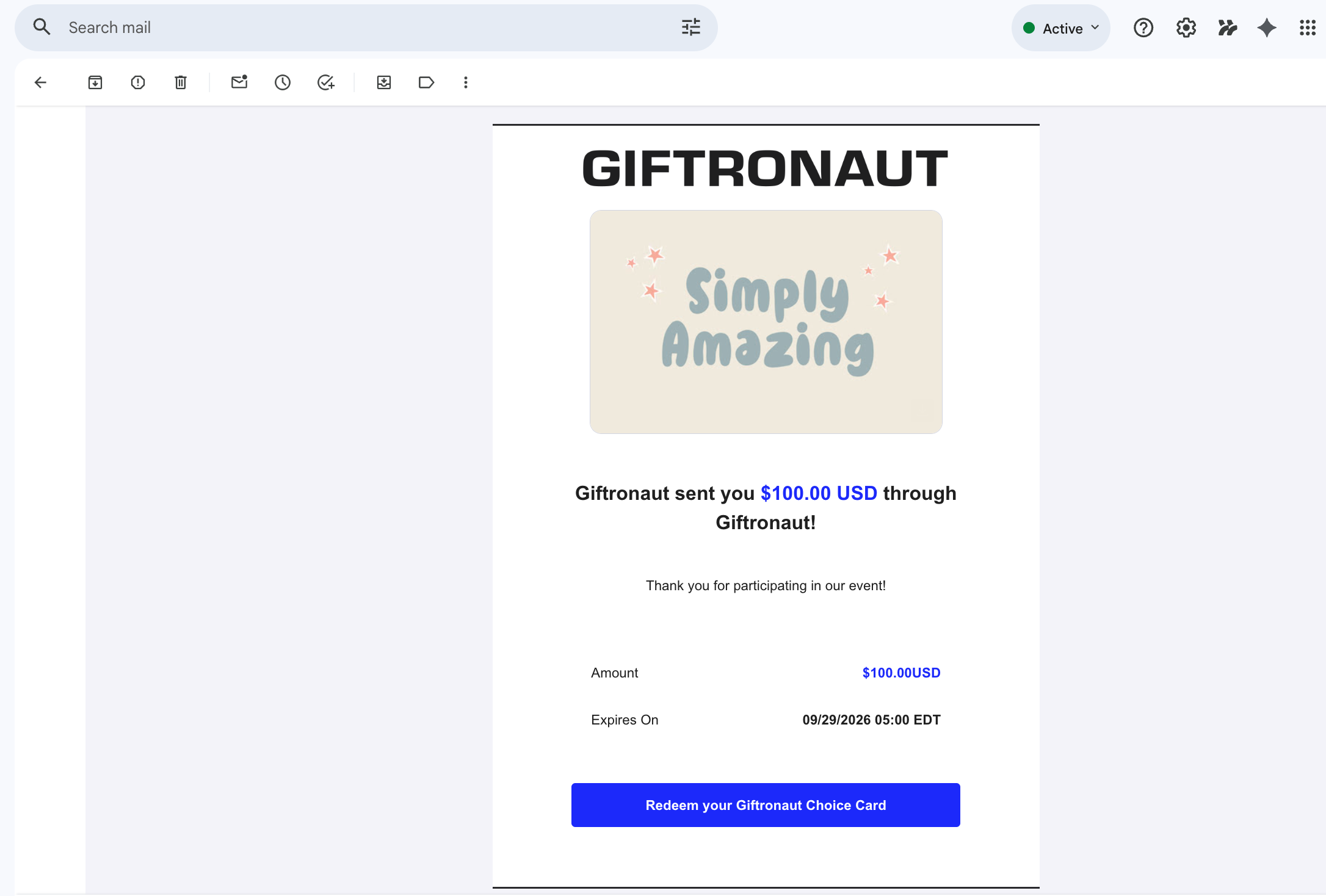
Send a POST /api/v1/orders/branded-cards with your recipient list.
Each recipient can receive a different denomination.
curl -X POST "https://api.giftronaut.com/api/v1/orders/branded-cards" \
  -H "Authorization: Bearer YOUR_ACCESS_TOKEN" \
  -H "Content-Type: application/json" \
  -d '{
    "idempotencyKey": "my-first-order-001",
    "productId": "GC-AMAZON-USD",
    "recipients": [
      {
        "firstName": "Alice",
        "lastName": "Kim",
        "email": "alice@giftronaut.com",
        "amount": 50
      },
      {
        "firstName": "Bob",
        "lastName": "Lee",
        "email": "bob@giftronaut.com",
        "amount": 25
      }
    ],
    "emailSetting": {
      "senderName": "Giftronaut",
      "subject": "You have received a gift card!",
      "message": "Thank you for your hard work this quarter."
    },
    "sendTiming": {
      "type": "IMMEDIATE"
    }
  }'
A successful response returns the order details with status PENDING or IN_PROGRESS:
{
  "data": {
    "orderId": "OT-20260315-A8F2",
    "status": "IN_PROGRESS",
    "cardType": "BRANDED_CARD",
    "cardName": "Amazon",
    "totalCost": { "amount": 75.00, "currency": "USD" },
    "recipientCount": 2,
    "sentCount": 0,
    "createdAt": "2026-03-15T10:22:00"
  }
}idempotencyKey field in
the request body on order creation requests. If the same key is submitted twice (e.g. due
to a network timeout), the second request is rejected with
409 DUPLICATE_IDEMPOTENCY_KEY — the original order is not duplicated. Keys are
checked against all of your organization's past orders. To find out whether a retried
order succeeded, look it up with
GET /api/v1/orders?clientOrderId=my-first-order-001.
Use the orderId returned in step 4 to retrieve the latest order status:
curl "https://api.giftronaut.com/api/v1/orders/OT-20260315-A8F2" \
  -H "Authorization: Bearer YOUR_ACCESS_TOKEN"
Order lifecycle transitions:
Once status reaches COMPLETE, the sentCount and
bouncedCount fields reflect how many recipients successfully
received their cards.
Start typing to search...
Select the APIs you want to integrate. A ready-to-use Markdown file with full API specs and a project context template will be generated and downloaded. Paste it into your AI assistant to get started instantly.